-
Chicago: 312-554-7550
-
St. Louis : 314-432-1661
-
Metro East IL : 618-346-8324
-
Central IL : 217-528-0500

Choosing an IT Provider for Your Accounting Firm: A Checklist for Partners
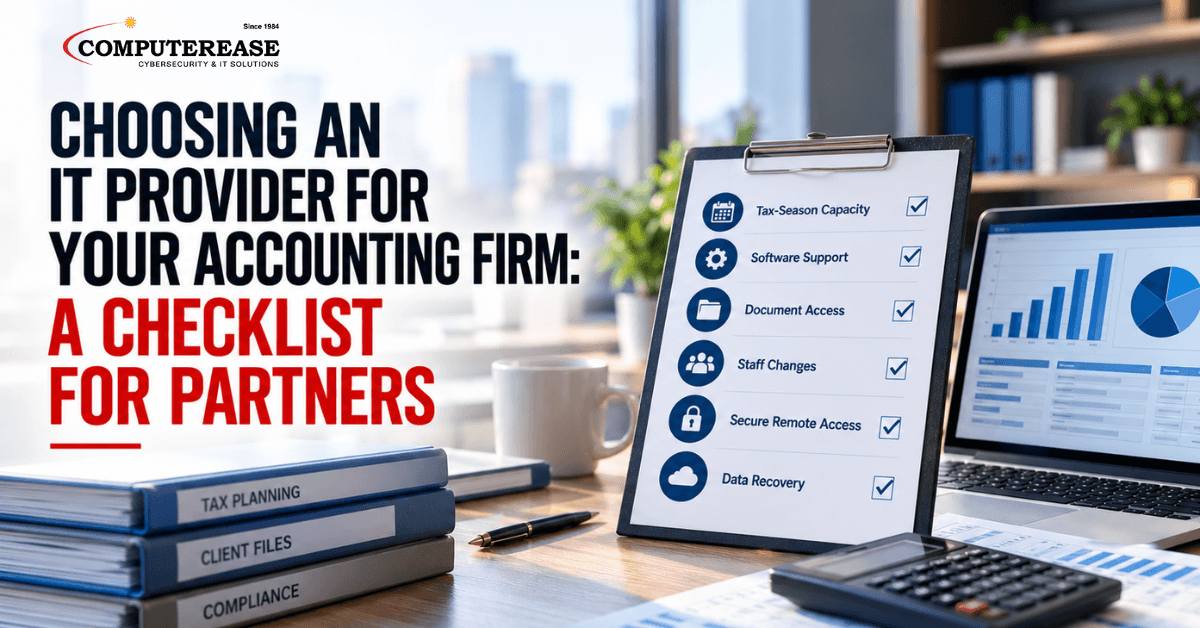
Most accounting firms do not think about their IT provider until something goes wrong. Usually that happens in March. A preparer cannot get into the tax software. A shared drive goes down the week of a deadline. A seasonal hire still has access in June.
By then, switching providers is the last thing anyone has time for. That is why the off-season is the right time to look closely at who supports your technology, and how.
This is not a technical manual for your IT team. It is a plain-English checklist for partners and practice administrators. It covers what to look for, what good looks like, and which questions to ask before you sign.
The short answer: The right IT support for accounting firms plans ahead for tax season and draws clear lines with your software vendors. It controls who can see client files and handles seasonal staff changes quickly. It secures remote access with multi-factor authentication. And it can prove your data can be restored during a deadline week. Ask every provider to show you how they handle each of these, not just tell you.
Why IT Support for Accounting Firms Is Different
Two things set accounting firms apart. First, the workload is concentrated. A slow computer in August is an annoyance. The same problem in the first week of April costs billable hours you cannot get back.
Second, the data is sensitive and regulated. The IRS says federal law requires tax and accounting professionals to create and maintain a written information security plan, often called a WISP. That is a document that explains how your firm protects client information. The FTC’s Safeguards Rule, which sets the details, requires multi-factor authentication for anyone accessing customer information. Multi-factor authentication means a second check, like a code on a phone, on top of a password.
The FTC also requires firms to oversee their service providers. And it notes that if a provider runs your security program, “the buck still stops with you.” Choosing an IT provider is not just a technology decision. It is part of how your firm meets its obligations.
Six Areas to Evaluate Before You Choose
1. Tax-season capacity
Ask how the provider plans for your busiest months, not just how they respond when something breaks. A good provider schedules major updates and projects outside tax season. They check equipment and backups before January, and they make sure enough people know your environment when call volume rises.
2. Application-support boundaries
Your tax, accounting, and document management software each has its own vendor. When something goes wrong, someone has to figure out whether it is the software, the computer, or the network. Ask the provider to explain where their responsibility ends and the software vendor’s begins. The best answer is that they own the problem until it is solved, including calling the vendor on your behalf.
3. Document access
Not everyone in the firm needs access to every client folder. A good provider sets up access so each person sees only what their role requires, and reviews it regularly. They should also be able to explain how files are shared securely with clients, so documents are not going back and forth as email attachments.
4. Onboarding and offboarding
Many firms add seasonal staff each year. Each new person needs a computer, accounts, software access, and security setup before day one. When they leave, every one of those accounts has to be closed the same day. Ask how the provider handles both, how long it takes, and how they confirm nothing was missed.
5. Secure remote access
Partners work from home on weekends during tax season, and staff may work remotely year-round. Remote access should be protected with multi-factor authentication and should never mean leaving a computer open to the internet. Ask the provider exactly how your team connects from outside the office and what happens if a laptop is lost.
6. Recovery
Every provider will say they back up your data. The real question is how fast they can restore it, and whether they have proven it. Ask when they last tested a restore, how long it took, and what would happen if your files or tax software became unavailable the week of a deadline.
Vendor-Interview Questions for Partners and Practice Administrators
You do not need to evaluate the technical details yourself. These questions, and what a good answer sounds like, will tell you quickly whether a provider understands accounting firms:
- “How do you prepare our firm for tax season?” A good answer describes specific steps taken before January, such as equipment checks, update freezes, and backup tests.
- “When our tax software has a problem, who calls the vendor?” A good answer is that they own the issue and coordinate with the vendor until it is fixed.
- “How do you decide who can see which client files?” A good answer describes access based on each person’s role, with regular reviews.
- “How quickly can you set up a seasonal hire, and how quickly can you remove one?” A good answer gives clear timelines and a checklist so no account stays open.
- “How does our team connect remotely, and is multi-factor authentication required?” A good answer is yes, for every person and every remote connection.
- “When did you last test restoring a client’s data, and how long did it take?” A good answer is a specific date and result.
- “How will you help with the technical parts of our WISP?” A good answer explains which safeguards they put in place and document, while being clear that the plan is still your firm’s responsibility.
- “What is included in your agreement, and what costs extra?” A good answer is written and specific, especially for after-hours work and projects.
If the answers are vague, or the provider talks about tools instead of how your firm works, keep looking.
How Computerease Supports Accounting Firms
Through our accounting and financial IT support, we help firms across Missouri and Illinois keep client data protected and systems ready for their busiest months. We plan maintenance and projects around tax season, so major changes happen when your team has room to absorb them.
We secure remote access with a managed firewall and multi-factor authentication. We also run automated, monitored backups that follow the 3-2-1 method: three copies of your data, on two different types of storage, with one kept off site. When a problem involves your tax or accounting software, we work with the vendor so your team does not have to.
We can put the technical safeguards in your WISP in place and help you document them. Your firm stays responsible for the plan itself, as the FTC requires, and we make that part easier to manage. Since 1984, our family-owned team has supported accounting firms and other professional services businesses across the region.
Reviewing your IT provider before next tax season? See how our accounting and financial IT support works. Then book a discovery call, and we will walk through your current setup and where the gaps are before January.
Frequently Asked Questions
It should include planning for tax season, clear coordination with your tax and accounting software vendors, controlled access to client files, fast onboarding and offboarding for seasonal staff, secure remote access with multi-factor authentication, and tested backups. Ask any provider to show how each one works in practice.
Yes. The IRS says federal law requires tax and accounting professionals to create and maintain a written information security plan, or WISP. IRS Publication 5708 provides a template to help smaller practices get started.
An IT provider can put many of the technical safeguards in place and help you document them. But the FTC is clear that if a service provider runs your security program, “the buck still stops with you.” Your firm stays responsible for the plan and for overseeing the provider.