-
Chicago: 312-554-7550
-
St. Louis : 314-432-1661
-
Metro East IL : 618-346-8324
-
Central IL : 217-528-0500

Cyber Insurance Renewal: How to Organize Your Security Evidence
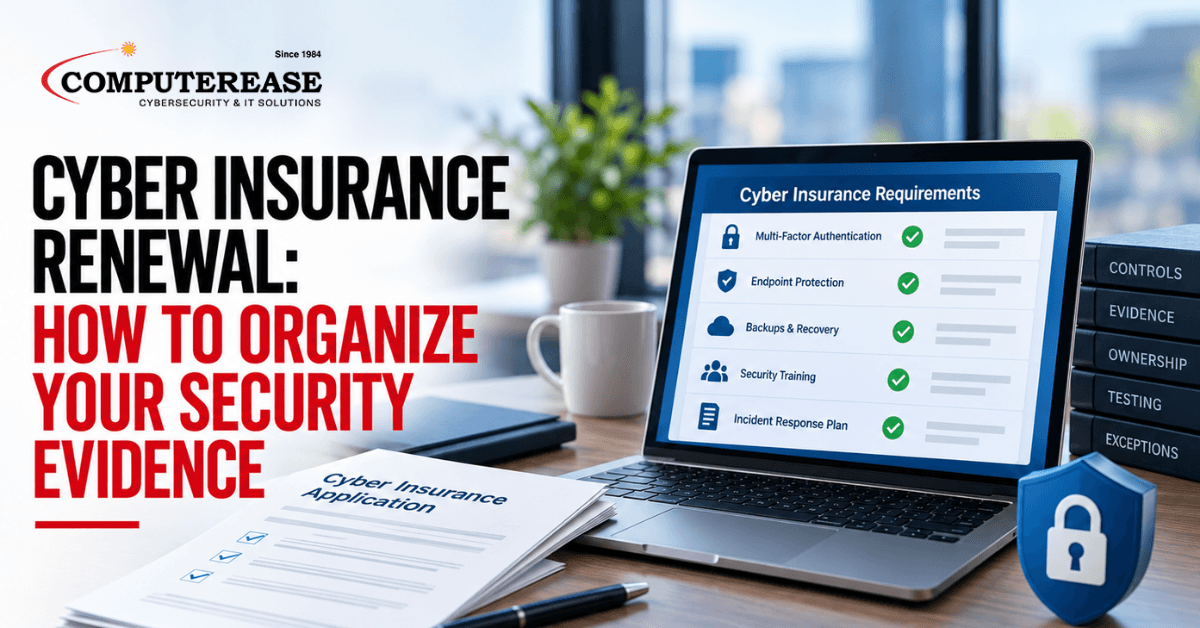
Every year, the cyber insurance renewal arrives with a familiar stack of questions. Do you use multi-factor authentication? Are your backups protected? Do employees get security training? Most owners check “yes,” sign, and move on.
But each of those answers is a statement your business is making to your insurer. When someone asks you to back it up, “I think our IT company handles that” is not proof. And if an answer turns out to be inaccurate, it can create problems if you ever need to file a claim.
This article is not legal or insurance advice, and it does not cover what your policy will pay. It is a plain-English look at how to organize evidence of your security controls, so your answers are accurate and you can show your work. Insurer and policy requirements vary, so a qualified reviewer, such as your broker or attorney, should check your answers before you submit them.
The short answer: Most cyber insurance requirements come down to evidence. For each question on your application, keep a short record showing what control is in place and where. Note who owns it, when it was last checked, and any exceptions. Your IT provider should help build and maintain that record, and a qualified reviewer should check your answers before you sign.
Why Cyber Insurance Requirements Come Down to Evidence
A cyber insurance application or questionnaire mostly asks about controls. A control is any safeguard that protects your business, like requiring a code from a phone to log in or keeping a backup copy of your data off site.
The questions are usually yes or no, but the reality rarely is. Multi-factor authentication might be on for email but not for an old accounting program. Backups might run nightly but have never been restored. An honest answer depends on knowing those details.
That is why evidence matters. Evidence is anything that shows a control is actually working: a report from your security software, a screenshot of a setting, a training completion record, or a written policy. It helps you answer accurately today, and it gives you something to point to if questions come up later.
What to Organize for Each Control
For every question on your application, your record should cover four things.
1. The control that is in place
Describe what is actually implemented and where it applies. “Multi-factor authentication is required for email and remote access for all employees” is useful. “We have MFA” is not.
2. Who owns it
Name a person, not a department. If your IT provider manages a control, name the provider and the person at your business who oversees them. Someone on your side should always know where the evidence lives.
3. When it was last tested
A setting that was turned on two years ago may not still be on. Each control should have a date it was last checked and a note on how. For example, “backup restore tested on 2026, file server recovered successfully.”
4. Exceptions
Almost every business has a few. A shared computer on the shop floor, an older program that cannot use multi-factor authentication, or a vendor account with broader access than it should have. Write each one down, along with what you do to reduce the risk and when it will be fixed. Your reviewer can then help decide how to describe it accurately on the application.
A Simple Evidence Record Template
A spreadsheet works fine. Each row links one application question to its evidence, its owner, and the date it was last verified. Template with illustrative entries: The rows below are made-up examples to show the format. Questions vary by insurer, so use the exact wording from your own application.| Application Question | Evidence | Owner | Last Verified | Answer, Exceptions, and Notes |
|---|---|---|---|---|
| Is multi-factor authentication required for email and remote access? | MFA policy screenshot; sign-in report showing MFA use | Office manager (IT provider manages) | 2026 | Yes, with one exception. Legacy accounting app does not support MFA. Restricted to office network. Upgrade planned for [quarter]. |
| Is endpoint protection installed on all computers and servers? | Device list from EDR console matched to inventory | IT provider | 2026 | Yes. No exceptions. |
| Are backups kept separate from your network and tested? | Backup job report; restore test record | IT provider | 2026 | Yes. Restore test covered file server and email only. |
| Do employees complete security awareness training? | Training completion report | HR manager | 2026 | Yes. Two new hires due by 2026. |
| Do you have a written incident response plan? | Plan document with contact list | President | 2026 | Yes. Contact list needs annual update. |
Where Cyber Insurance Evidence Usually Falls Short
The most common gap is answering “yes” when the truth is “mostly.” Controls that cover most of the business but miss a few accounts or devices are normal. Leaving those gaps off the record is where problems start.
Old evidence is another. A screenshot from last year’s renewal says little about today. The same goes for ownership. If the only person who knows where the reports are is a former employee or an IT provider you no longer use, you effectively have no evidence.
Update the record before each renewal, not the week the application is due.
Questions to Ask Your IT Provider Before Renewal
- “Can you show evidence for each control on our application?” A good answer is a report or record for each one, not a verbal yes.
- “Where are the gaps or exceptions?” A good answer is a specific list, such as accounts or devices without a control, and a plan for each.
- “When was each control last checked?” A good answer gives a date for every item, ideally within the last few months.
- “Will we have our own copy of the evidence?” A good answer is yes, stored where your business can reach it even if you change providers.
- “Can you work with our broker on the technical questions?” A good answer is yes, while being clear that the broker and your business decide how to answer.
If the answers are vague, or evidence only exists in someone’s head, start before the renewal deadline.
How Computerease Helps With Cyber Insurance Evidence
Our cybersecurity services help businesses put the baseline security controls commonly requested by cyber insurers in place. That includes multi-factor authentication, managed EDR (endpoint detection and response, which watches every computer for signs of an attack), managed SIEM monitoring (which collects activity from across your network so warning signs get spotted early), and security awareness training.
Before your renewal, we can help you build the evidence record for your technical questions. We gather the reports, note the exceptions, and record when each control was last checked, then share it with you and your broker.
What we do not do is sell insurance or make coverage decisions. Those belong to your broker and your insurer, and your answers should be reviewed by a qualified professional before you sign. Our job is to make sure the technical side is accurate and documented.
Since 1984, our family-owned team has helped businesses across Missouri and Illinois strengthen their security and keep it documented.
Renewal coming up? Book a technical gap discussion, and we will walk through the controls on your application, the evidence you have, and where the gaps are. If you would rather read first, see how our cybersecurity services work.
Frequently Asked Questions
Requirements vary by insurer and policy. Many applications ask about controls such as multi-factor authentication, endpoint protection, backups, software updates, employee training, and an incident response plan. Always work from the exact questions on your own application.
A qualified reviewer, such as your insurance broker or agent, and your attorney where appropriate, should check your answers before they are submitted. Your IT provider can supply the technical evidence, but it should not be the final word on what you attest to.
No. Coverage decisions are made by your insurer under the terms of your policy. Good security and organized evidence help you answer accurately, but they do not guarantee approval, pricing, or payment of a claim.